AVG LiveKive and SpiderOak: The Early Cloud Backup Era
Examine the distinction between file backup, synchronization and privacy-oriented storage.
Early cloud backup users wanted files protected automatically without remembering to attach an external drive. Early cloud backup products highlighted the need to evaluate recoverability as closely as storage capacity and convenience. The following guide treats the problem as a working decision: what needs to happen, what the technology actually provides, and which observations can support a choice.
Storage devices and network services have different maintenance lifecycles. Disks, controllers and local applications may continue functioning after a vendor stops supporting a remote service. Avoid relying on unsupported remote access for current business operations, and keep an independently accessible copy of irreplaceable material. A migration plan should preserve the files even if the previous application cannot be installed again.
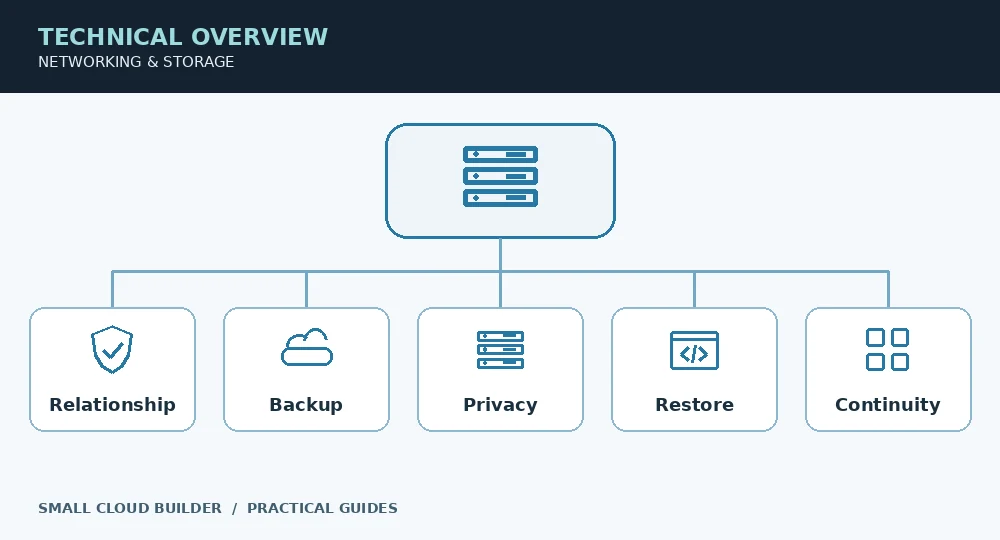
Relationship
LiveKive was associated with SpiderOak technology; treat historical products as historical, checking current support independently.
For relationship, a useful comparison is one that a colleague can independently reproduce. Classify replaceable files and irreplaceable records before selecting backup scope. Describe the relevant starting conditions and save the result using consistent terminology. Avoid comparing a first-time setup in one system with an already optimized setup in another unless the difference is explicitly part of the evaluation. Make note of the effort required to reach a usable state as well as the eventual result. In a business environment, the time required to repeat a configuration, recover access or diagnose a problem is a real constraint, even when it is not reflected in a product specification.
Record a failure before changing several settings at once. A clear observation made under known conditions makes troubleshooting much easier. With multiple simultaneous changes, it may become difficult to tell which action corrected the issue or whether it merely hid the symptom.
Backup
Scheduled or continuous copying protects selected files when a local device fails, but retention policy determines which versions survive.
A written requirement is most valuable when it can be tested without guessing what the author meant. Inspect whether a sample change produces a retained previous version. Establish a meaningful threshold for the result, whether that is correctness, usable response time, preservation of records or successful access by the intended person. Do not silently revise the threshold after seeing a disappointing outcome; instead, decide whether the business requirement itself has changed. Even a modest record of test results helps a small team make later decisions about backup without relying on a recollection of which option looked most convincing during the initial evaluation.
Before extending the setup, identify the part that is hardest to reverse. A limited pilot lets the team address problems in that part without affecting unrelated work. Keep the dependable existing process available until the replacement has passed the checks that matter.
Privacy
Client-side encryption can restrict provider access; key recovery and device authorization require careful administration.
Keep a distinction between normal operation and an unusual condition. Make sure key recovery can be performed by an appropriately authorized owner. Observe the ordinary result first, then use a controlled test environment to examine a reasonable edge case. The purpose is to understand the limitations, not to create a problem for live users. If the result cannot be reproduced, inspect the starting state and any dependencies before drawing a conclusion. The practical understanding of privacy should include both what happens when everything is working and how an operator can tell when the system has stopped meeting its intended requirement.
When comparing choices, include the ordinary maintenance procedure as a requirement. If the team can only demonstrate a capability with extensive assistance, plan for that dependency rather than assuming the same results will be available without it.
For another perspective on the same infrastructure or workflow decision, see File Sync vs Backup: Why You Need Both. Compare the requirements it identifies with the constraints in your own environment.
Restore
Test a complete folder restore, including permissions, names and version choices, while the original device is available.
A backup protected by an encryption key may be useless if the only person who knows the recovery process is unavailable. On the other hand, distributing a key indiscriminately undermines privacy. Document a controlled recovery process, practice it with test data and store independent copies under appropriate access controls.
The distinction becomes easier to see with an explicit acceptance test. Restore a small sample folder and compare its complete names and contents. Decide in advance which outcome would be a success. A measurement that looks impressive on its own may be irrelevant if the original task remains difficult or unreliable. Track failures alongside the successful result; a capability that works only when a particular person is present may be less useful than a slightly slower process anyone on the team can follow. The final choice should reflect the actual working requirements around restore, including what the team can reasonably support after the initial installation.
Treat a successful result as evidence for the particular situation that was tested. Changes to the environment can alter that behavior. A lightweight regression check after important changes makes it easier to identify when a previously dependable assumption no longer holds.
Continuity
Maintain an independent copy and plan data export well before a legacy service changes or disappears.
Start with what is already observable. Test export from a current maintained service without assuming any historic service remains available. Write down the result alongside the original expectation. A useful comparison keeps the workload and the surrounding conditions stable; differences in sample size, connection quality or a change made elsewhere in the system can otherwise distort the conclusion. The value of this check is not that it proves the entire design. It exposes whether the assumption about continuity holds under a recognizable working condition, and whether somebody has enough information to repeat the observation later without reconstructing the whole experiment from memory.
The cost of an incorrect assumption increases as more people or records depend on it. Resolve uncertainty while the configuration is still small. A precise limitation is more useful than a general assurance that the system should probably work in a larger environment.
Putting the findings to work
Network speed, application throughput and storage performance measure different things. A nominal link speed is an upper bound for that part of the connection, not a guarantee that the source can supply or the destination can write data at the same rate. Protocol overhead, device processing, concurrent activity and the access pattern all influence the observed result. Measure the complete transfer for the files and devices that matter.
For a short review before making the decision, return to the concrete checks from the guide:
- Classify replaceable files and irreplaceable records before selecting backup scope.
- Inspect whether a sample change produces a retained previous version.
- Make sure key recovery can be performed by an appropriately authorized owner.
- Restore a small sample folder and compare its complete names and contents.
- Test export from a current maintained service without assuming any historic service remains available.
Early cloud backup products highlighted the need to evaluate recoverability as closely as storage capacity and convenience. Keep the key observations available to the people responsible for the system, with enough detail to revisit the decision when the workload, tools or business requirements change.
Related guide: How Object Storage Differs from File and Block Storage. Choose among object APIs, filesystems and disk-like volumes.
Related guide: Choosing Cloud Office Software. Compare document collaboration, storage access and administration for everyday work.