How to Use Git for Website Releases
Organize changes, review branches and keep rollback history for a website.
A small team has repeatedly overwritten production files during manual publishing. Version control helps when the deployed version can be connected to reviewed, reproducible inputs. Rather than starting with a long feature list, begin with the task itself. This makes it possible to compare alternatives against a real requirement and identify responsibilities before committing to a design.
A useful development release has a reproducible build and an environment in which changes can be checked before normal users receive them. Keep versioned source material and expected test cases, but avoid putting private configuration or data exports in public artifacts. When behavior changes, compare the deployed version with the source version and the relevant environment settings.
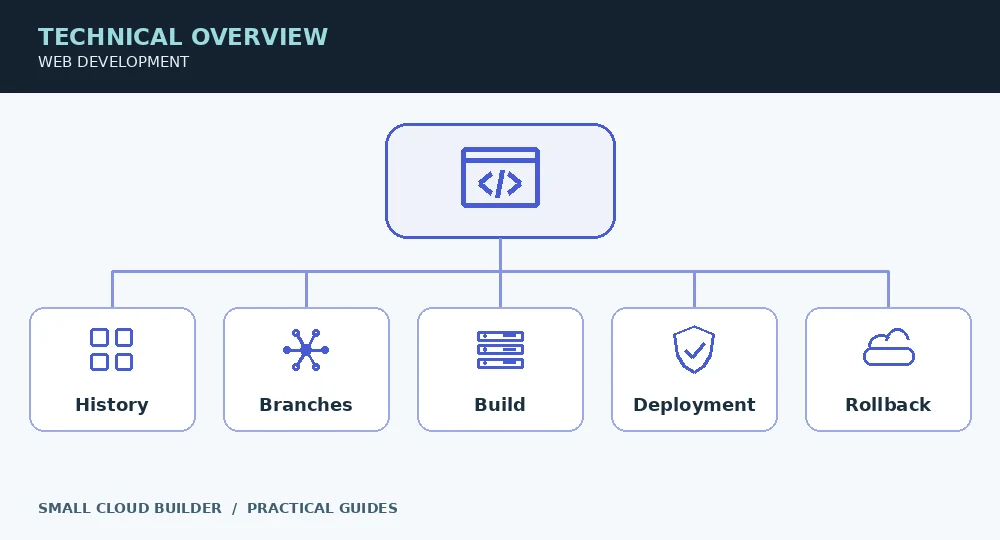
History
Commit meaningful changes with descriptive messages and avoid placing passwords or production exports in the repository.
In the planning stage, avoid treating history as a feature checkbox. Start with a clean checkout and reproduce a previous static build. This gives the team a real starting point for comparison. Note how much setup and administrative effort the task requires, and whether the result can be repeated without relying on special access unavailable to ordinary users. If the proposed system changes the way a person completes their work, try the new process from that role's perspective as well. The aim is to establish what is possible with the configuration you will actually operate, rather than what is possible in an ideal demonstration.
If the exercise requires temporary privileges or a special configuration, separate those from what the finished system actually needs. Remove temporary access when it is no longer required and document the configuration that the team expects to keep.
Branches
Keep a stable release branch and review concentrated changes before merging shared work.
A written requirement is most valuable when it can be tested without guessing what the author meant. Review a small content change before merging it into the release branch. Establish a meaningful threshold for the result, whether that is correctness, usable response time, preservation of records or successful access by the intended person. Do not silently revise the threshold after seeing a disappointing outcome; instead, decide whether the business requirement itself has changed. Even a modest record of test results helps a small team make later decisions about branches without relying on a recollection of which option looked most convincing during the initial evaluation.
There is no need for a large spreadsheet if a short set of observations is sufficient. The purpose is to make the decision traceable, distinguish known limitations from speculation and preserve enough information to investigate a reported problem later.
Build
Generate static artifacts from tracked sources and capture the dependency versions used in the release.
An emergency content correction should still produce a traceable commit and release. Record the artifact's originating revision so that the team can identify which version is running. If the change has unexpected consequences, redeploy the previous verified bundle instead of manually editing random files in production.
The distinction becomes easier to see with an explicit acceptance test. Check that local configuration and sensitive files remain outside tracked history. Decide in advance which outcome would be a success. A measurement that looks impressive on its own may be irrelevant if the original task remains difficult or unreliable. Track failures alongside the successful result; a capability that works only when a particular person is present may be less useful than a slightly slower process anyone on the team can follow. The final choice should reflect the actual working requirements around build, including what the team can reasonably support after the initial installation.
When comparing choices, include the ordinary maintenance procedure as a requirement. If the team can only demonstrate a capability with extensive assistance, plan for that dependency rather than assuming the same results will be available without it.
For another perspective on the same infrastructure or workflow decision, see Database Design for Small Web Applications. Compare the requirements it identifies with the constraints in your own environment.
Deployment
Associate deployed output with a commit and verify the new release at a staging URL when available.
A demonstration can be misleading when it uses a perfectly prepared environment. The useful question is what happens during routine work. Associate a test deployment with its exact commit. Use an ordinary sample, with enough variation to reveal common problems but without requiring live customer records. Where behavior differs between a new environment and the existing one, establish which difference matters to the business before making a choice. Keep a record of errors and unexpected constraints as well as successes. An inconclusive test is a reason to refine the experiment, not a reason to assume that deployment has been solved.
The people who carry out routine work may notice different problems from the person who set up the system. Include their observations, particularly repeated manual steps or confusing states. These details can dominate the long-term effort even when the underlying technology performs well.
Rollback
Preserve previous releases and document how to restore one without rewriting shared history.
A less obvious part of rollback is the boundary between an individual task and the system around it. Demonstrate rollback by redeploying the older tested artifact rather than resetting shared history. Check the environment before and after the exercise, making sure unrelated records or settings have not changed. Record any dependencies required for success and distinguish permanent requirements from one-time setup work. A process that depends on a temporary test account, a particular device or an undocumented configuration may need additional work before it is ready for normal use. Leave room in the plan for that discovery rather than committing to a launch date on the strength of a first successful attempt.
Treat a successful result as evidence for the particular situation that was tested. Changes to the environment can alter that behavior. A lightweight regression check after important changes makes it easier to identify when a previously dependable assumption no longer holds.
Putting the findings to work
Accessibility and maintainability intersect in small details. Native elements provide well-understood behavior for navigation and controls; meaningful labels also improve automated checks and make code easier to review. A custom interface may be appropriate for complex interaction, but it should have explicit keyboard and focus behavior and remain understandable at larger text sizes.
For a short review before making the decision, return to the concrete checks from the guide:
- Start with a clean checkout and reproduce a previous static build.
- Review a small content change before merging it into the release branch.
- Check that local configuration and sensitive files remain outside tracked history.
- Associate a test deployment with its exact commit.
- Demonstrate rollback by redeploying the older tested artifact rather than resetting shared history.
Version control helps when the deployed version can be connected to reviewed, reproducible inputs. Keep the key observations available to the people responsible for the system, with enough detail to revisit the decision when the workload, tools or business requirements change.
Related guide: Progressive Web Apps and Offline Interfaces. Use installable web applications and controlled offline behavior where appropriate.
Related guide: How CDNs Improve Website Performance. Use edge delivery, cache policies and origin protection without serving stale private content.