Progressive Web Apps and Offline Interfaces
Use installable web applications and controlled offline behavior where appropriate.
A field team fills in inspections in locations with intermittent connectivity. An offline interface should tell the truth about freshness and pending work rather than pretending every request succeeded. The following guide treats the problem as a working decision: what needs to happen, what the technology actually provides, and which observations can support a choice.
A useful development release has a reproducible build and an environment in which changes can be checked before normal users receive them. Keep versioned source material and expected test cases, but avoid putting private configuration or data exports in public artifacts. When behavior changes, compare the deployed version with the source version and the relevant environment settings.
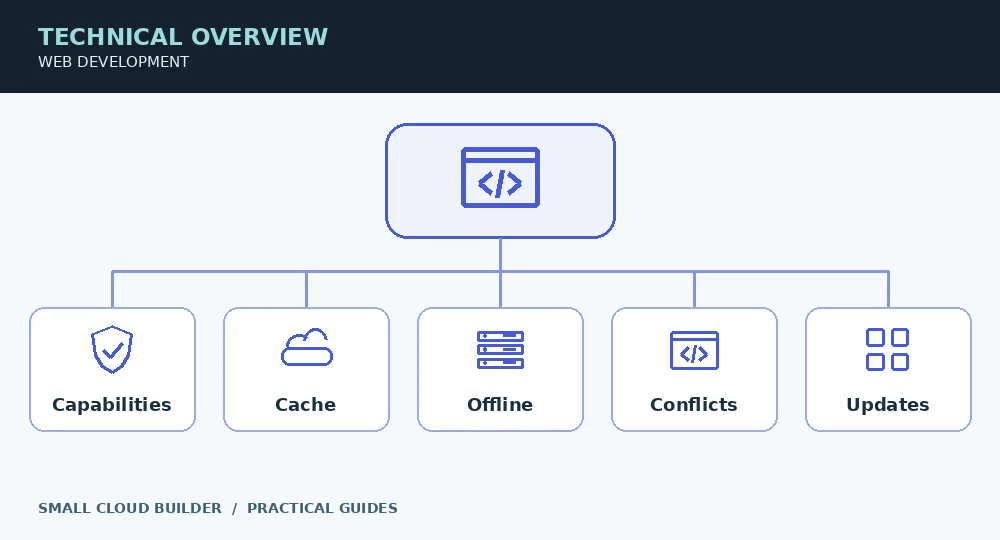
Capabilities
Use manifests and service workers where supported; features and install behavior vary by browser and operating system.
A less obvious part of capabilities is the boundary between an individual task and the system around it. Load the application on a supported browser and then use a controlled offline mode. Check the environment before and after the exercise, making sure unrelated records or settings have not changed. Record any dependencies required for success and distinguish permanent requirements from one-time setup work. A process that depends on a temporary test account, a particular device or an undocumented configuration may need additional work before it is ready for normal use. Leave room in the plan for that discovery rather than committing to a launch date on the strength of a first successful attempt.
Record a failure before changing several settings at once. A clear observation made under known conditions makes troubleshooting much easier. With multiple simultaneous changes, it may become difficult to tell which action corrected the issue or whether it merely hid the symptom.
Cache
Choose different policies for application assets, public records and frequently changing information.
Start with what is already observable. Check that a saved pending inspection is visibly distinguished from a sent one. Write down the result alongside the original expectation. A useful comparison keeps the workload and the surrounding conditions stable; differences in sample size, connection quality or a change made elsewhere in the system can otherwise distort the conclusion. The value of this check is not that it proves the entire design. It exposes whether the assumption about cache holds under a recognizable working condition, and whether somebody has enough information to repeat the observation later without reconstructing the whole experiment from memory.
The people who carry out routine work may notice different problems from the person who set up the system. Include their observations, particularly repeated manual steps or confusing states. These details can dominate the long-term effort even when the underlying technology performs well.
Offline
Store pending work locally, label its status and synchronize deliberately once connectivity returns.
An offline inspection form must distinguish saved locally, queued for synchronization and acknowledged by the server. A green confirmation after a local write alone can mislead a worker who assumes the office received the record. Show the actual status and retain a safe way to retry or reconcile changes.
A written requirement is most valuable when it can be tested without guessing what the author meant. Edit one record on two test clients and inspect conflict resolution. Establish a meaningful threshold for the result, whether that is correctness, usable response time, preservation of records or successful access by the intended person. Do not silently revise the threshold after seeing a disappointing outcome; instead, decide whether the business requirement itself has changed. Even a modest record of test results helps a small team make later decisions about offline without relying on a recollection of which option looked most convincing during the initial evaluation.
If the exercise requires temporary privileges or a special configuration, separate those from what the finished system actually needs. Remove temporary access when it is no longer required and document the configuration that the team expects to keep.
For another perspective on the same infrastructure or workflow decision, see Designing a Useful Technical Documentation Site. Compare the requirements it identifies with the constraints in your own environment.
Conflicts
Define how to handle records edited on multiple devices and never silently discard an unsynced change.
Separate the initial selection from the evidence that supports it. Publish a revised asset set and test with an older cached release. The test should be small enough that a mistake is reversible and sufficiently representative that the result can guide a decision. Record what direct observation establishes and what remains an assumption. For example, one successful run says little about unusual inputs or a much higher level of demand. Use the first observation to decide what another test ought to cover. As work moves from evaluation into routine operation, revisit the assumptions about conflicts rather than leaving them frozen in the original proposal.
The cost of an incorrect assumption increases as more people or records depend on it. Resolve uncertainty while the configuration is still small. A precise limitation is more useful than a general assurance that the system should probably work in a larger environment.
Updates
Test service-worker version transitions, stale assets and recovery from a failed installation.
Keep a distinction between normal operation and an unusual condition. Verify data is recovered correctly after reconnecting and reloading the browser. Observe the ordinary result first, then use a controlled test environment to examine a reasonable edge case. The purpose is to understand the limitations, not to create a problem for live users. If the result cannot be reproduced, inspect the starting state and any dependencies before drawing a conclusion. The practical understanding of updates should include both what happens when everything is working and how an operator can tell when the system has stopped meeting its intended requirement.
It is worth writing down any restriction discovered during the check, including one that does not affect the present workload. A future maintainer may not have the same assumptions about data size, supported devices or how often the procedure needs to run.
Putting the findings to work
Accessibility and maintainability intersect in small details. Native elements provide well-understood behavior for navigation and controls; meaningful labels also improve automated checks and make code easier to review. A custom interface may be appropriate for complex interaction, but it should have explicit keyboard and focus behavior and remain understandable at larger text sizes.
For a short review before making the decision, return to the concrete checks from the guide:
- Load the application on a supported browser and then use a controlled offline mode.
- Check that a saved pending inspection is visibly distinguished from a sent one.
- Edit one record on two test clients and inspect conflict resolution.
- Publish a revised asset set and test with an older cached release.
- Verify data is recovered correctly after reconnecting and reloading the browser.
An offline interface should tell the truth about freshness and pending work rather than pretending every request succeeded. Keep the key observations available to the people responsible for the system, with enough detail to revisit the decision when the workload, tools or business requirements change.
Related guide: HTML Semantic Structure for Better Websites. Build accessible documents with meaningful elements and reliable navigation.
Related guide: Cloud Computing for Small Businesses: Where to Start. Choose the right first cloud services without inheriting a complicated infrastructure bill.