Choosing a Domain Name for a Business Website
Evaluate readability, ownership, renewal and practical brand use.
A small software company is selecting a domain for an English-language product with international customers. A defensible domain is one the business can reliably own, communicate and maintain over the long term. Rather than starting with a long feature list, begin with the task itself. This makes it possible to compare alternatives against a real requirement and identify responsibilities before committing to a design.
Public pages are accessed by people, browsers, search systems and links from other websites. Stable addresses matter because those consumers do not all update immediately when a new version is deployed. Keep internal links consistent, preserve appropriate destinations for changed addresses and verify real response codes. A page that looks correct in one browser does not demonstrate that the old and new public paths work correctly.
Naming
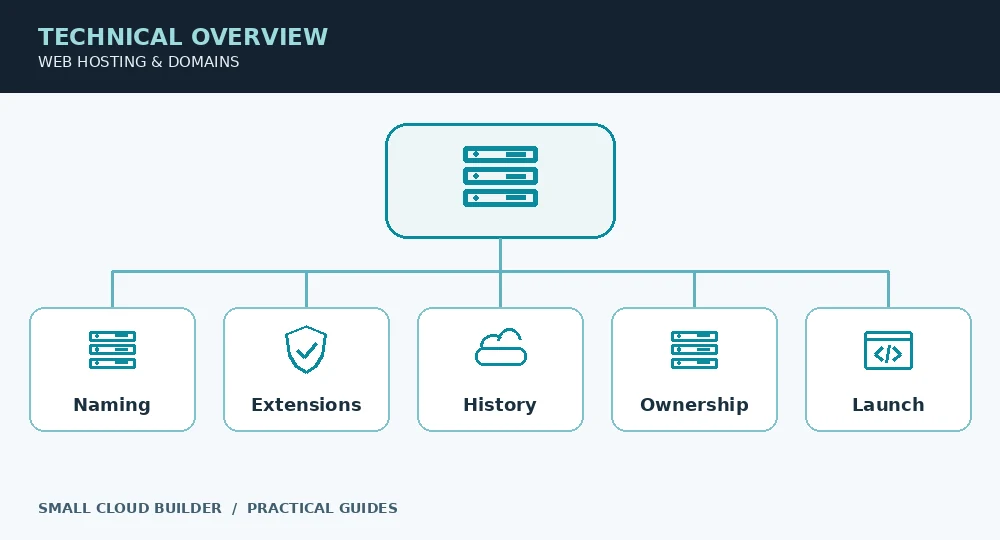
Prefer a name that can be spelled after hearing it once, and check how it appears in a plain-text email.
Separate the initial selection from the evidence that supports it. Read the proposed name aloud and ask someone to spell it without assistance. The test should be small enough that a mistake is reversible and sufficiently representative that the result can guide a decision. Record what direct observation establishes and what remains an assumption. For example, one successful run says little about unusual inputs or a much higher level of demand. Use the first observation to decide what another test ought to cover. As work moves from evaluation into routine operation, revisit the assumptions about naming rather than leaving them frozen in the original proposal.
Record a failure before changing several settings at once. A clear observation made under known conditions makes troubleshooting much easier. With multiple simultaneous changes, it may become difficult to tell which action corrected the issue or whether it merely hid the symptom.
Extensions
Review relevant country-code eligibility and renewal policies; familiar extensions may be easier to communicate.
There is a straightforward way to turn extensions into a decision instead of an argument about features. Compare display in email addresses, search snippets and the browser title. Keep the result in a short working note: the starting conditions, what was changed, what actually happened and the outcome that would be acceptable in production. If the result is different from the expected behavior, isolate the cause before adding another component. This is particularly important for a small team, where the person implementing a solution is often also the person who will have to maintain it and explain a failure to colleagues.
When comparing choices, include the ordinary maintenance procedure as a requirement. If the team can only demonstrate a capability with extensive assistance, plan for that dependency rather than assuming the same results will be available without it.
History
Inspect past use and public reputation, and investigate unexplained changes in ownership or subject matter.
An appealing acquisition price means little if renewal costs, transfer restrictions or country-code eligibility make long-term ownership difficult. Use the ordinary price across several years when comparing options. Consider who controls the administrative account when an agency, founder or developer changes roles.
A demonstration can be misleading when it uses a perfectly prepared environment. The useful question is what happens during routine work. Review the registrar's regular renewal cost instead of the acquisition discount. Use an ordinary sample, with enough variation to reveal common problems but without requiring live customer records. Where behavior differs between a new environment and the existing one, establish which difference matters to the business before making a choice. Keep a record of errors and unexpected constraints as well as successes. An inconclusive test is a reason to refine the experiment, not a reason to assume that history has been solved.
Treat a successful result as evidence for the particular situation that was tested. Changes to the environment can alter that behavior. A lightweight regression check after important changes makes it easier to identify when a previously dependable assumption no longer holds.
For another perspective on the same infrastructure or workflow decision, see Website Backups: What to Save and How to Restore. Compare the requirements it identifies with the constraints in your own environment.
Ownership
Register in the business's controlled account, maintain renewal access and document transfer procedures.
Separate the initial selection from the evidence that supports it. Check public historical content and reputation for reasons not to reuse it. The test should be small enough that a mistake is reversible and sufficiently representative that the result can guide a decision. Record what direct observation establishes and what remains an assumption. For example, one successful run says little about unusual inputs or a much higher level of demand. Use the first observation to decide what another test ought to cover. As work moves from evaluation into routine operation, revisit the assumptions about ownership rather than leaving them frozen in the original proposal.
It is worth writing down any restriction discovered during the check, including one that does not affect the present workload. A future maintainer may not have the same assumptions about data size, supported devices or how often the procedure needs to run.
Launch
Choose a single public hostname, establish consistent HTTPS routing and configure email records carefully.
Keep a distinction between normal operation and an unusual condition. Confirm the company can transfer or renew the domain independently of a contractor. Observe the ordinary result first, then use a controlled test environment to examine a reasonable edge case. The purpose is to understand the limitations, not to create a problem for live users. If the result cannot be reproduced, inspect the starting state and any dependencies before drawing a conclusion. The practical understanding of launch should include both what happens when everything is working and how an operator can tell when the system has stopped meeting its intended requirement.
If the exercise requires temporary privileges or a special configuration, separate those from what the finished system actually needs. Remove temporary access when it is no longer required and document the configuration that the team expects to keep.
Putting the findings to work
Website files and application state are different. Static files can usually be deployed together and rolled back as one release, whereas a live database or order history may keep changing after a deployment. A rollback plan must take those differences into account. Do not assume restoring an older application version can also restore a newer database state safely.
For a short review before making the decision, return to the concrete checks from the guide:
- Read the proposed name aloud and ask someone to spell it without assistance.
- Compare display in email addresses, search snippets and the browser title.
- Review the registrar's regular renewal cost instead of the acquisition discount.
- Check public historical content and reputation for reasons not to reuse it.
- Confirm the company can transfer or renew the domain independently of a contractor.
A defensible domain is one the business can reliably own, communicate and maintain over the long term. Keep the key observations available to the people responsible for the system, with enough detail to revisit the decision when the workload, tools or business requirements change.
Related guide: Email DNS Records for Website Owners. Understand MX, SPF, DKIM and DMARC during domain setup and migration.
Related guide: How to Use Git for Website Releases. Organize changes, review branches and keep rollback history for a website.